Project management built for lift companies.
Plan the work, record the hours on site, and hand over with the paperwork already done.
Projects
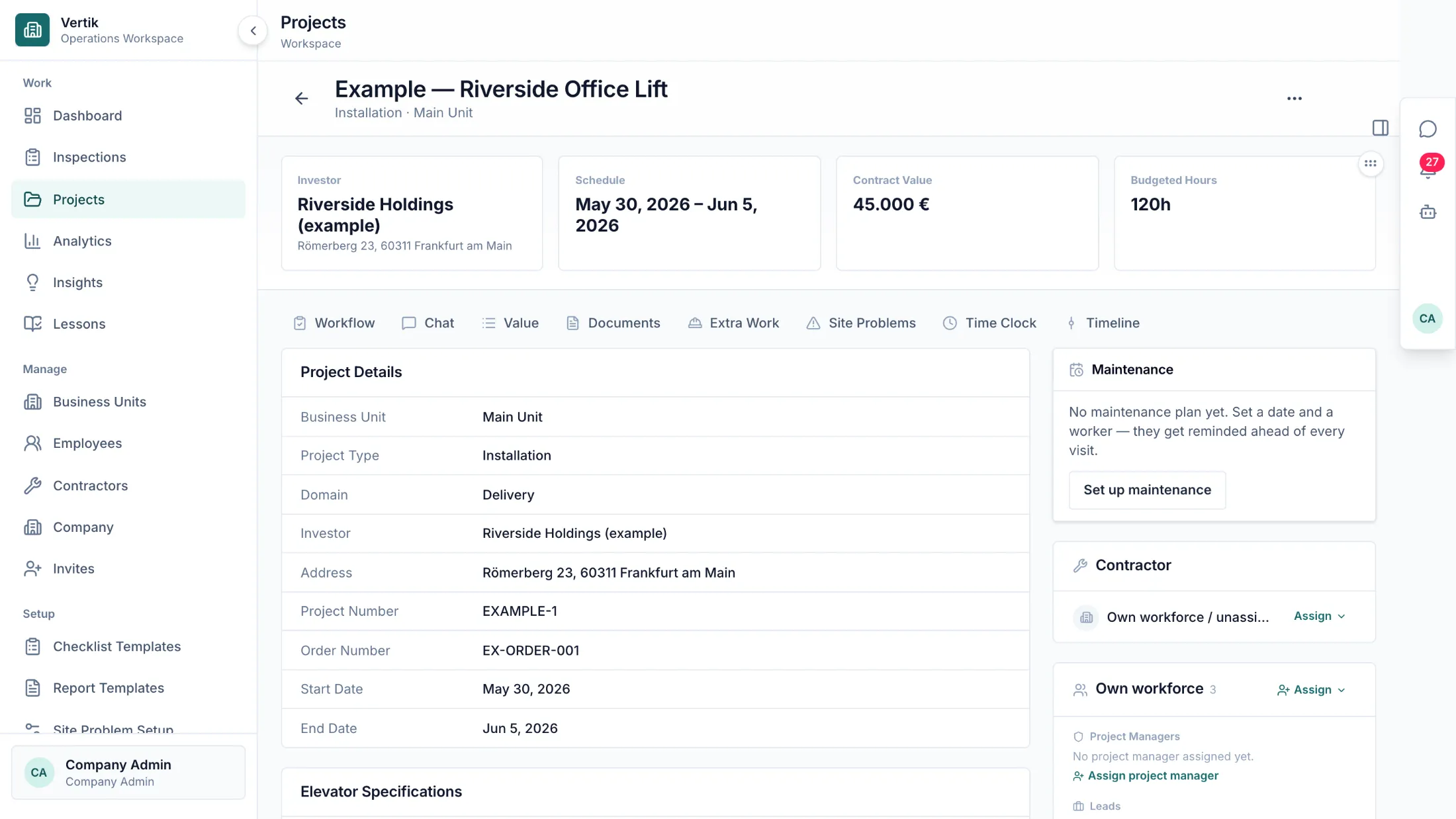
Every project, from quote to handover
A project carries its schedule, its value, its lift data and its documents. Everyone works from the same record instead of a folder, a spreadsheet and three inboxes.
Planning
Plan the week on one board
Drag a project onto the worker who should do it. Put two projects on the same person on the same day and Vertik says so on the spot — then still lets you decide.
On site
Clock in where the work happens
One tap on the phone starts the shift. The site location is checked but never blocks a punch, and clocking out books the hours to the stage they were worked on.
Time clock
Hours land on the stage they were worked on
Every shift arrives in one list with its hours, its stage and the person who recorded it. Approve it, ask about it, or add the punch someone forgot — before month end turns it into an argument.
Assistant
Ask, instead of digging
Ask who is free next week, or where a project stands. The assistant reads the projects, plans and hours your own account is allowed to see, proposes an answer — and leaves the decision to you.
Type a question into the window and try it yourself. The preview answers with a single line; in Vertik the answer comes from your own data.
Numbers
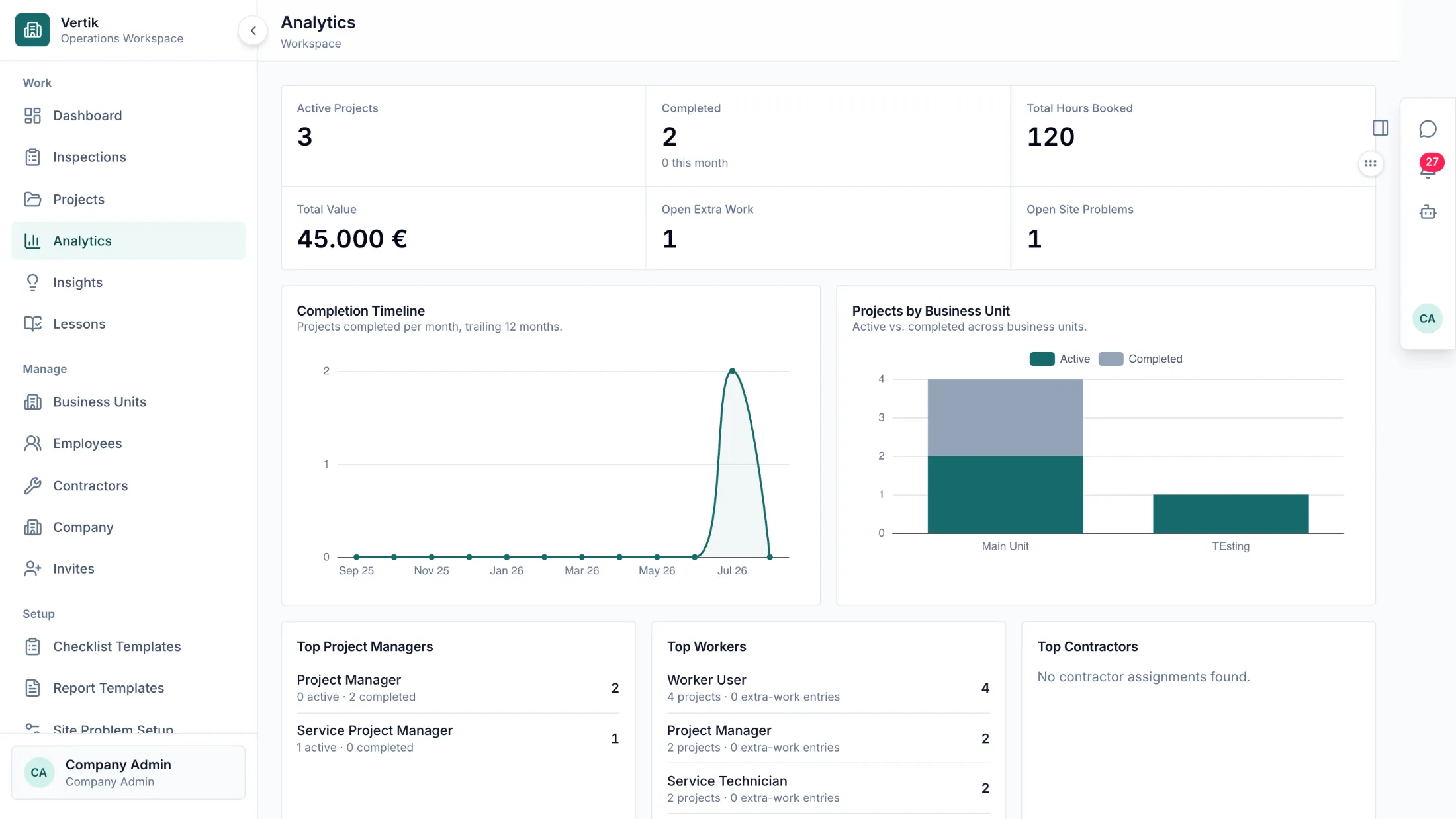
The numbers come out of the work
Hours, values and completions add up from what was actually recorded, per project and per business unit. Reports are built from the same data, not typed again.
Also in Vertik
Documents and reports
Checklists, site problems and extra work stay with the project. Phase reports unlock as stages finish.
Certifications
Qualifications and expiry dates sit with the worker — and someone without the required certification cannot be planned.
Business units
Run several branches in one system, with projects, people and numbers kept per unit.
The process
Vertik models the stages your projects already run through. Every stage carries its own hours, requirements and sign-off.
01
Dismantling
when the job includes it
02
Installation
or Service
03
Internal Inspection
04
Technical Inspection
05
Handover
Certifications decide who can be planned onto a stage, and projects can stay in sync with Microsoft Dynamics 365 Business Central.